Buzzly
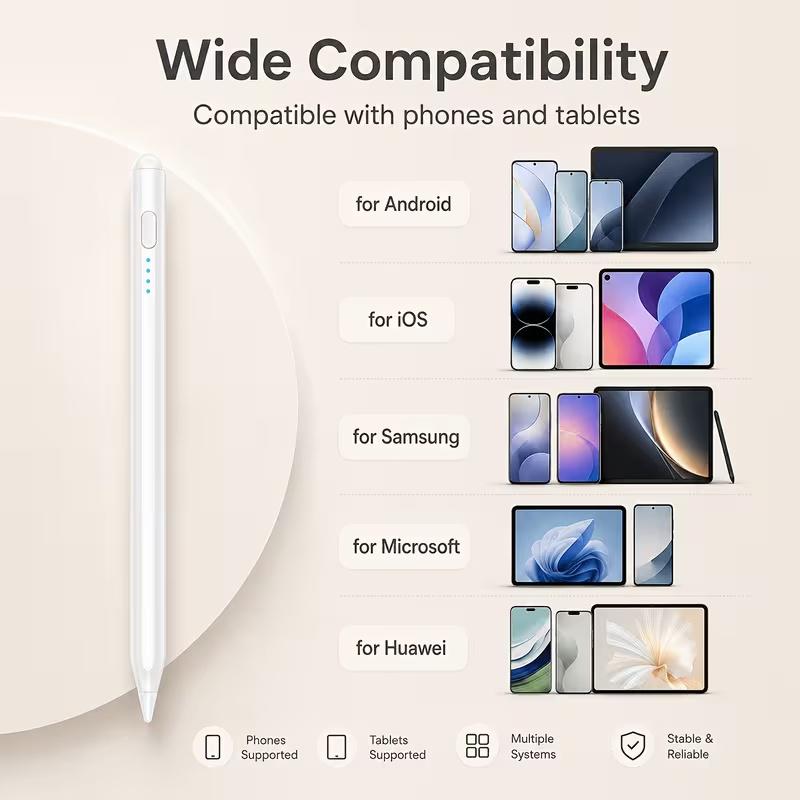
Universal Capacitive Stylus Pen for Ipad with Palm Rejection, Tilt Sensitivity, Button, Batteries, Popular Tablet & Computer Accessory Compatible with Ipad Pro 12.9In 3/4/5,11In 1/2/3, Air 4,Smartphones,Tablets for Drawing & Writing
Universal Capacitive Stylus Pen for Ipad with Palm Rejection, Tilt Sensitivity, Button, Batteries, Popular Tablet & Computer Accessory Compatible with Ipad Pro 12.9In 3/4/5,11In 1/2/3, Air 4,Smartphones,Tablets for Drawing & Writing
Couldn't load pickup availability
The Ultimate iPad Stylus Pen
Looking for a flawless writing and drawing experience on your iPad? This game-changing stylus delivers premium features without the premium price tag. Whether you are a digital artist, a busy student, or an everyday note-taker, this pen is designed to bring your ideas to life effortlessly!
Key Features & Benefits
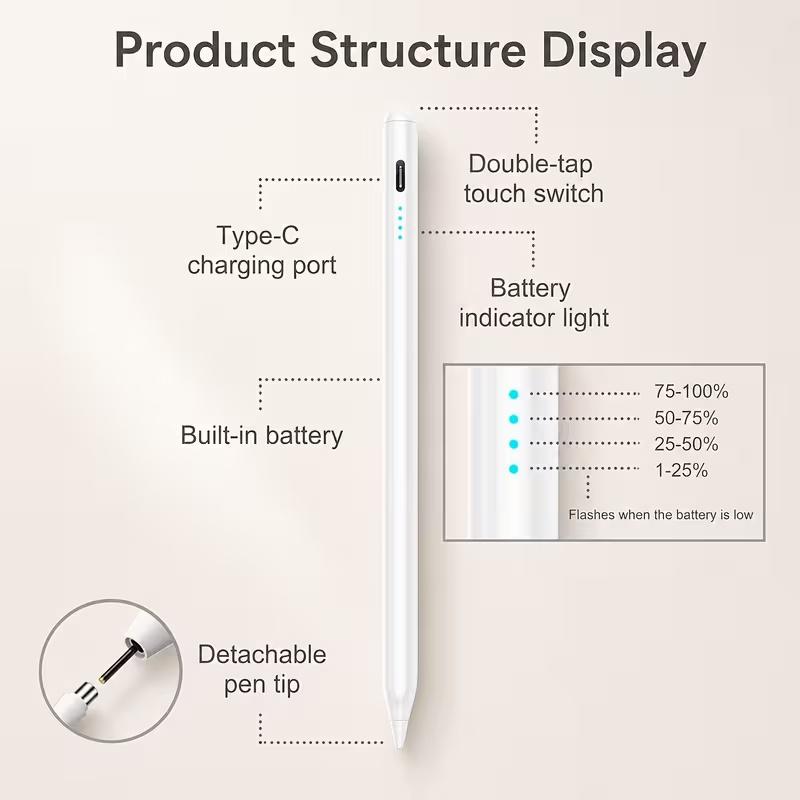
One-Tap Power: Say goodbye to tedious Bluetooth pairing! Simply press the button on the top of the stylus and start creating instantly.
True Palm Rejection: Rest your hand naturally on the screen while you work. The advanced technology ignores unwanted contact, so you will never need an awkward anti-friction glove again.
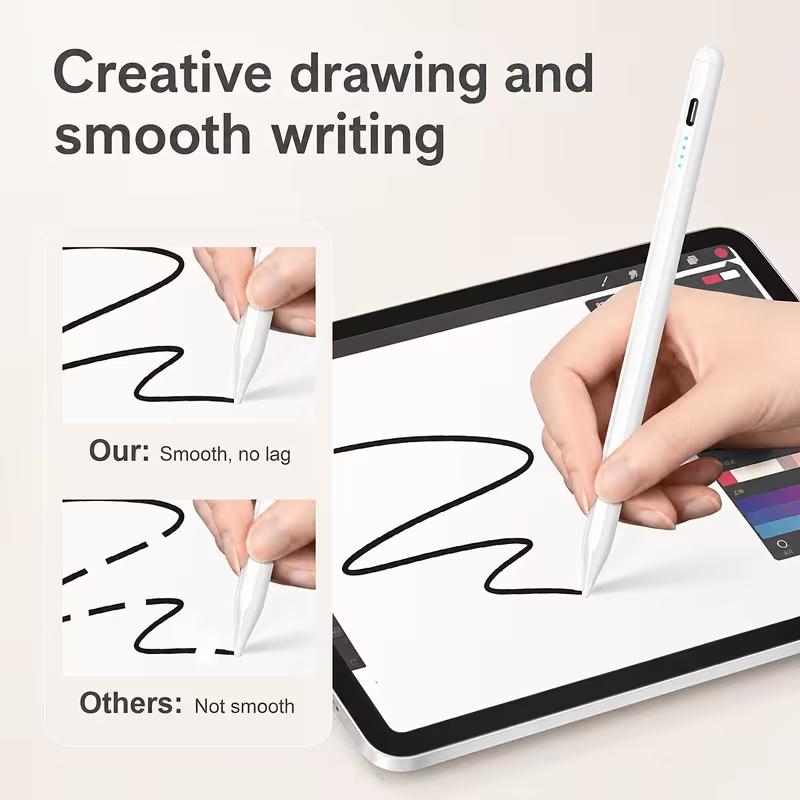
Tilt & Angle Sensitivity: Dynamic line thickness and shading adjust seamlessly as you tilt the pen, giving you ultimate control over your artwork.
1.5mm Ultra-Fine Tip: Experience zero lag, zero offsets, and zero skipping. Enjoy smooth, whisper-quiet precision for intense gaming, writing, or detailed art.
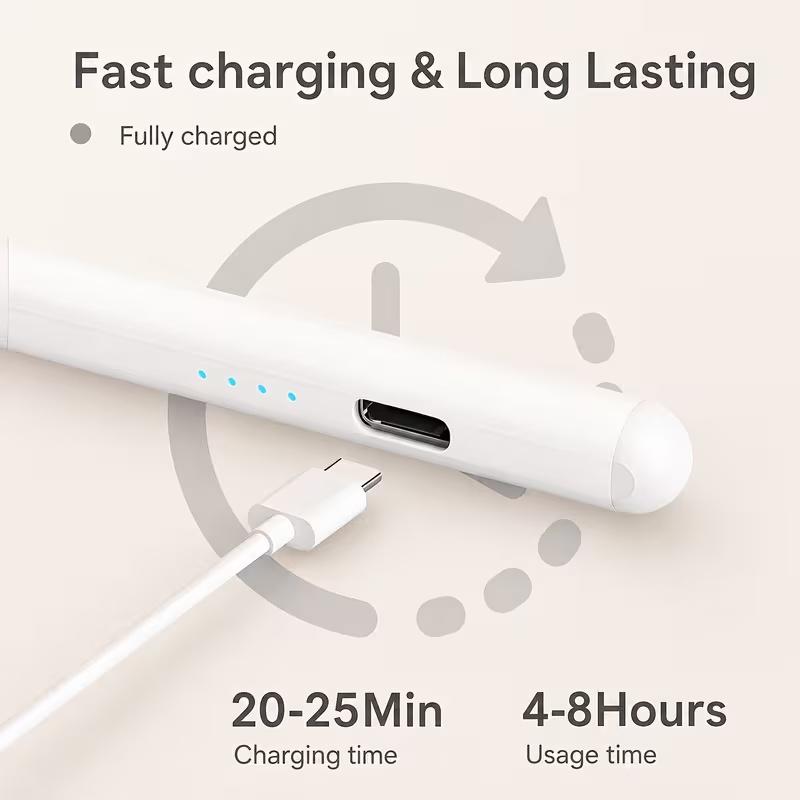
Super Fast Charging: Enjoy long-lasting battery life and rapid charging speeds, so you spend less time tethered to a cable and more time creating.
What's Included in Your Order
1 x Premium Stylus Pen
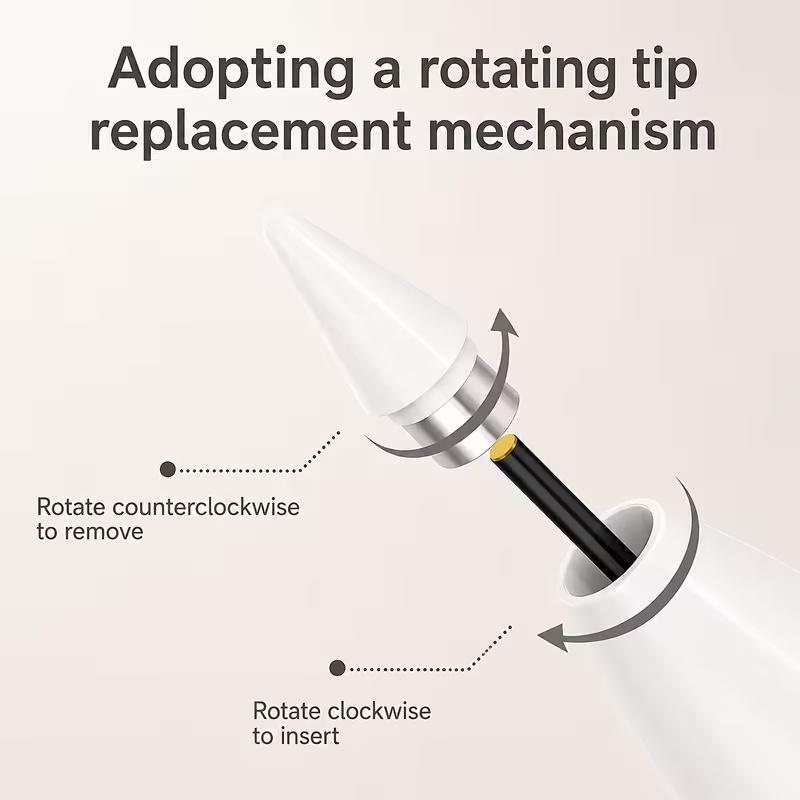
2 x Extra Replacement Nibs to extend the lifetime of your pen
1 x Charging Cable (Adapter not included)
1 x Quick Start User Manual
️ Quick Setup Troubleshooting
If the stylus doesn't write instantly, your iPad might still be actively paired to a previous Apple Pencil. Fix it in seconds:
Navigate to Settings > Bluetooth and toggle Bluetooth off completely.
Alternatively, go to Settings > Bluetooth, find your old Pencil, tap the "i" icon, and select Forget this device.